Creating a Contact
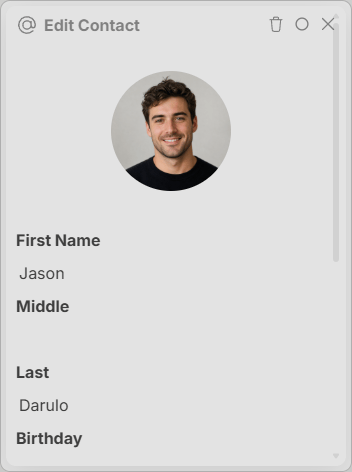
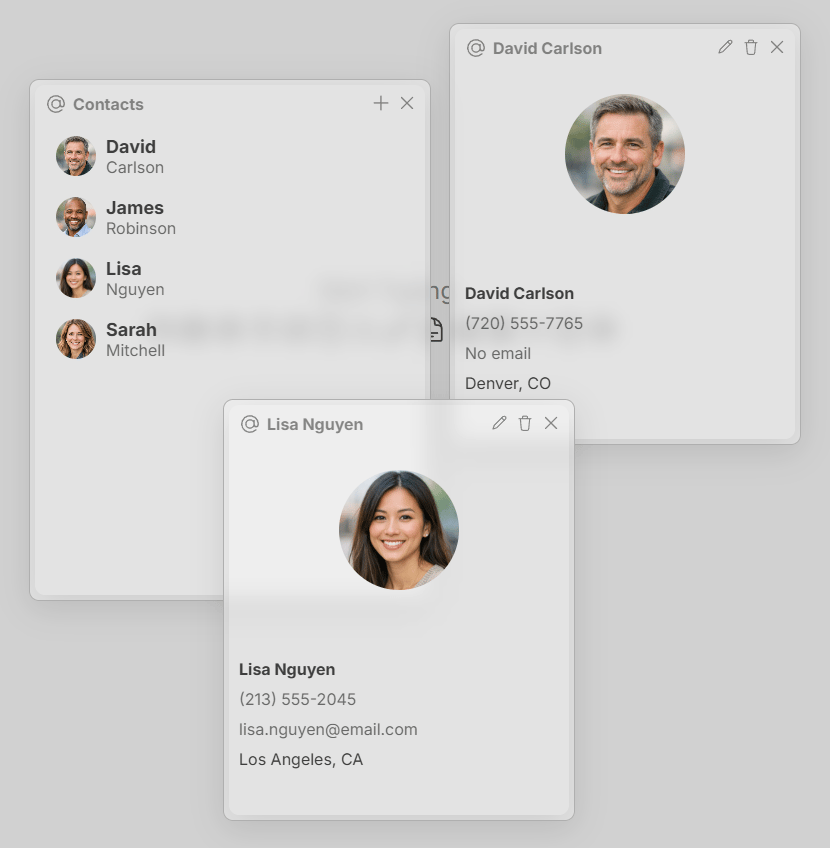
Create a contact by clicking the + button in the top right corner of the Contacts interface. Fill out the information as needed and click the create button at the bottom of the window. You can also import a contact photo by clicking the circle at the top. Contacts have first, middle and last name, as well as birthday, address, phone number, email and company (where they work).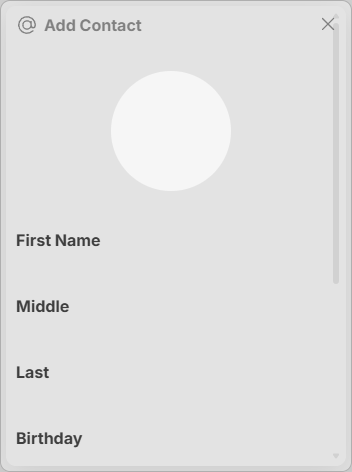
Viewing a Contact
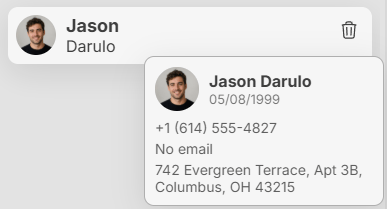
View a contact by clicking on it in the Contacts interface. This will open a window with all the information about the contact.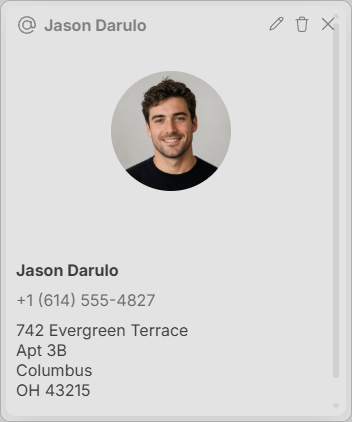
Modifying a Contact