Events
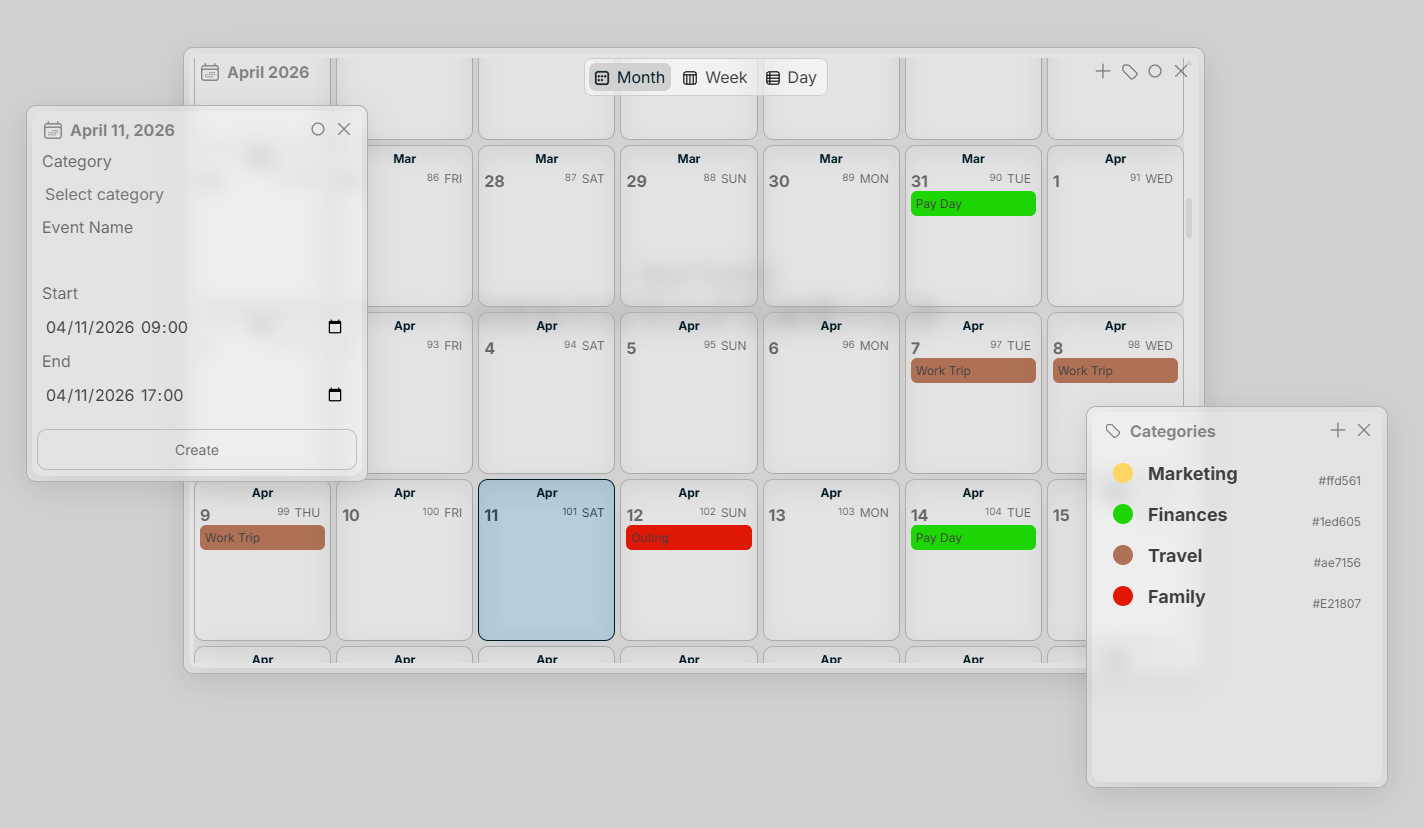
As seen above, create an event by simply right or left-clicking on a date.Hover Effect
Hover on an event in the Calendar interface to preview details or click an event to view/modify an event.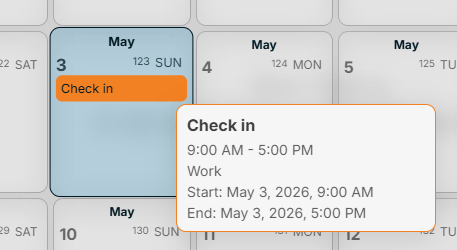
Categories
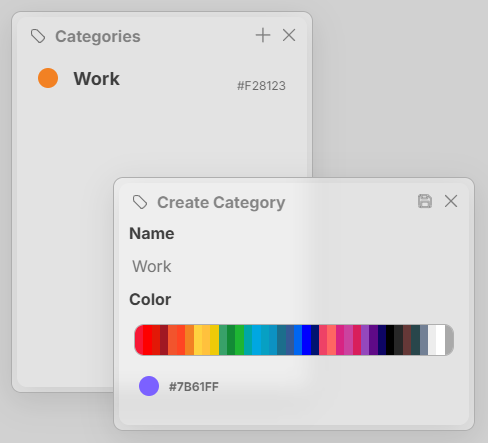
Categories help quickly identify the events you have on your calendar. You can create a calendar by selecting the tag button in the top right of the Calendar interface. Categories have a name and a color.